Software updates have become a normal part of everyday use of digital devices; just like a routine dental checkup or an oil change for a car. However, updates sometimes come with issues and may even introduce changes that some users do not like.
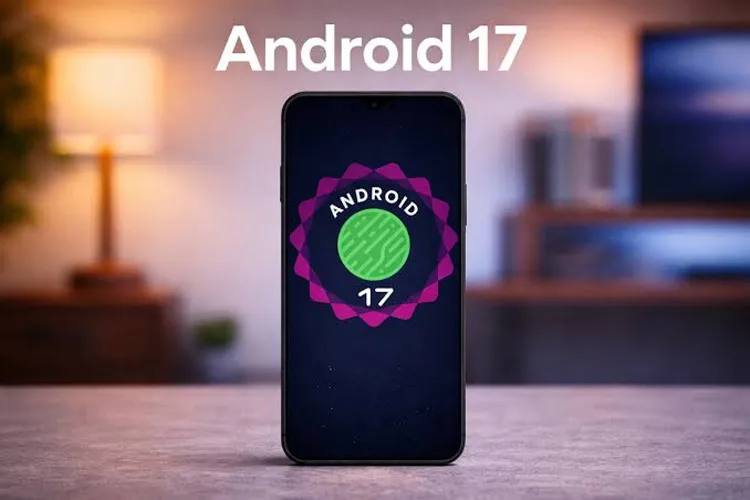
For example, the recent Android 17 update has faced problems including disruptions to eSIM functionality and the graphics processor (GPU) that need to be fixed. This issue may make some users hesitant to install this version. But if a user decides not to install the Android 17 update, what will happen to their phone?
If the device is still on the list of phones receiving Android OS updates, the main consequence of ignoring the update is missing out on new features, performance improvements, and security patches.
In addition, skipping one update may also stop receiving subsequent updates until the previous version is installed. However, in most cases the user can postpone installing the update indefinitely; for example by changing some phone settings or cutting the device’s access to the internet.
Of course, in special circumstances the phone may be forced to install an update automatically; especially if it becomes clear the device faces a serious problem that could compromise its security or performance.
Can you opt out of receiving the Android 17 update?
After Google releases a new version of Android, the company typically sends the update over the air (OTA) to supported Pixel phones. Other manufacturers, like Samsung and Motorola, may need more time to customize and prepare the new version. Older phones from other companies may also receive the update a few months after the newer models.
The simplest way to prevent automatic installation of updates is to disable their automatic download in the phone settings. You can also check the “System update” section in the device settings to see whether automatic download or installation when the phone is connected to Wi‑Fi overnight is enabled.
However, there are rare cases where a software update is installed automatically on the device. For example, this may happen on devices managed by an organization. Also, if using the phone becomes unsafe due to a serious security vulnerability, such as a zero‑day vulnerability, installing a critical patch may be required.
If you want to completely prevent receiving such updates, cutting the phone’s access to the internet can stop them from being received. Still, even in this situation you cannot fully prevent the phone from checking for update status and showing a notification that a new version is ready.
Users can also reduce how often these notifications appear. To do this, open the notification shade, swipe the update notification to the left until the settings or more options appear, and then select it.
Is Android 17 worth updating to?
Android updates are no longer accompanied by the excitement and noise of the platform’s early years, but new versions still include features that can be useful to users. Android 17 also offers a set of new features, some of which have received less attention.
One notable feature is Screen Reactions, which allows users to react directly on the content shown on the phone screen while talking about it. This way, to create a clip and post it on social networks like Instagram, Snapchat, or TikTok, you don’t necessarily need to open those apps separately.
Alongside major features, almost every new Android release includes smaller changes throughout the operating system. These changes may include moving a button, removing a notification window, or adding new emojis.
More importantly, each Android update usually includes security patches. Therefore, not installing an update can make the device more vulnerable to certain security flaws and potential attacks.
On the other hand, if a user does not install an update, they may also be unable to receive subsequent updates; because changes in new OTA versions may depend on modifications applied in previous versions.