In addition to the default One UI apps, Samsung offers a variety of tools for Galaxy phone users, some of which are not very well known.
According to Etna quoting AndroidAuthority, these apps provide many useful features, especially for power users and those who care about customizing their phone.
One of these tools is One Hand Operation Plus, designed for easier one-handed use of the phone. This app creates customizable handles on the edges of the display, enabling execution of various commands with swipes, and the user can personalize a set of gesture actions.
Samsung Sound Assistant is another useful tool that allows adjusting the volume of each app separately. In addition to finer volume control, this app offers shortcuts for the volume buttons and some advanced settings such as changing Bluetooth delay.
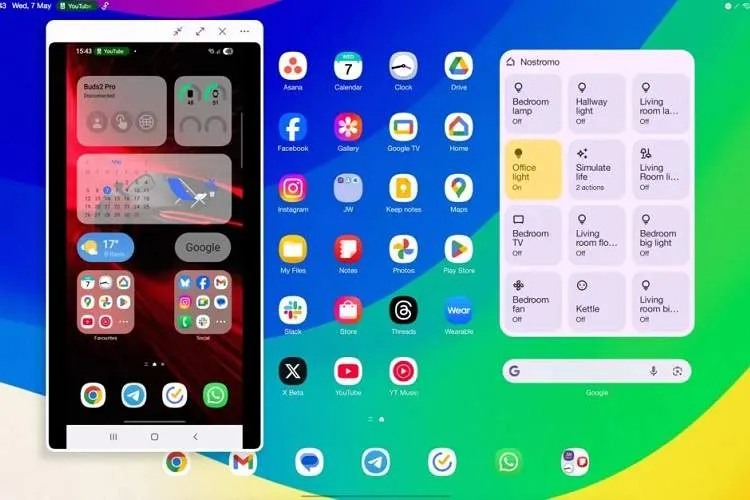
For connecting the phone to a computer, Samsung Flow can be a useful option. This tool enables file transfer, clipboard sharing, and even displaying and controlling the phone screen on the computer. Wired connection is also supported for greater stability.
Photography enthusiasts can turn to Samsung Expert RAW. This app combines multi-frame computational photography with professional controls, enabling capture of 16-bit DNG images and giving the user freedom to edit exposure, shadows, and color temperature during post-processing.
Samsung Good Guardians is also a suite of optimization tools that offers capabilities such as checking battery usage, identifying abnormal battery-draining factors, speeding up app launch, and monitoring device temperature.
Finally, Home Up, which is accessible through Good Lock, is designed for deep customization of the One UI home screen, recent apps layout, widgets, side panels, and gesture actions. This tool is an attractive option for users who want more customization options than Samsung’s usual settings provide.